
The user can void a payment in QuickBooks Online just as they would any other payment.
However, even though the check is voided in QuickBooks Online, the actual eCheck is not yet voided.
To void the eCheck, a member of the eChecks checking account needs to log into the eCheck account at eChecks.com:
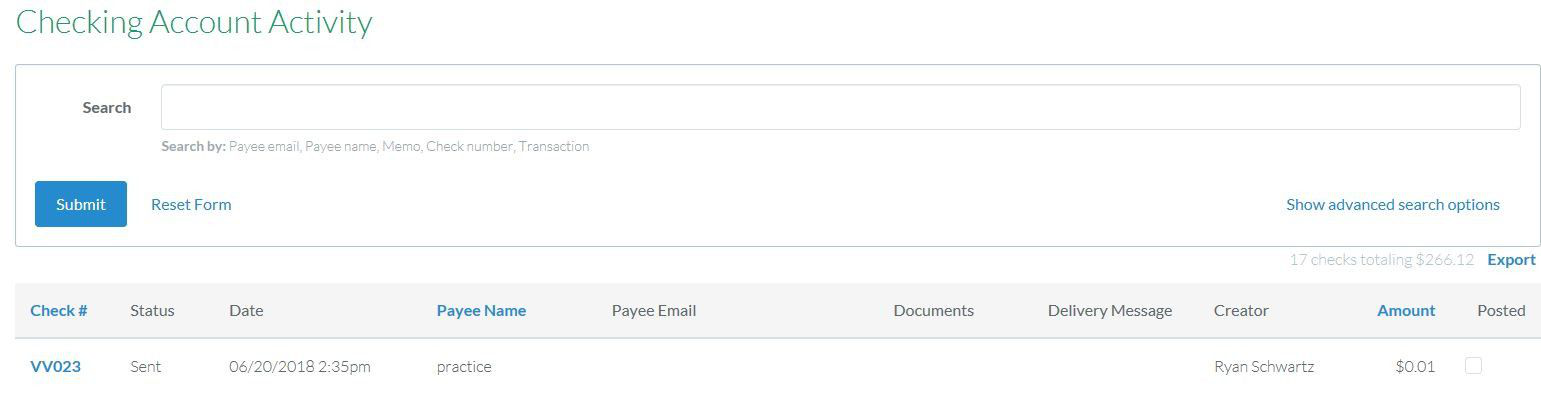
- go to account activity and select the check to be voided.
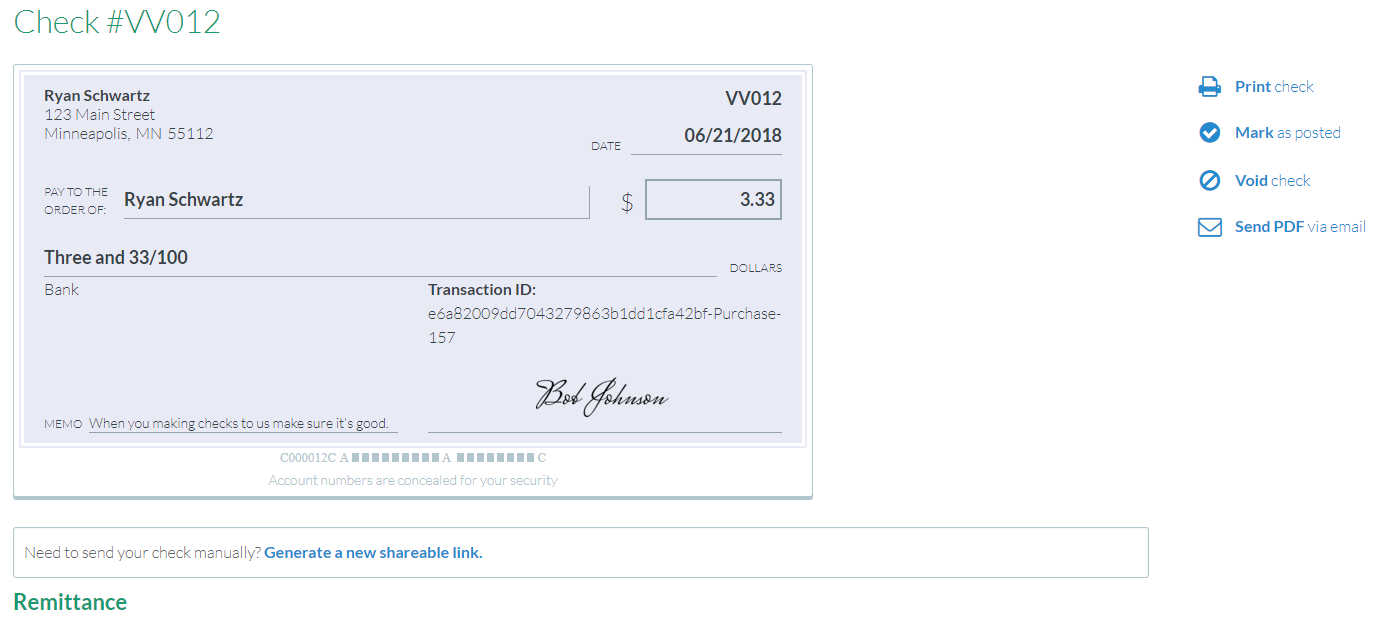
- Once you click on the check number, you will find an option to void the check to the right of the check.
- You may also want to place a stop payment request via your financial institution.
NOTE: see also the eCheck Help Center (How do I void an eCheck) to understand more about your ability to void an eCheck before and after it has been delivered.
Comments
0 comments
Article is closed for comments.